 Fileboom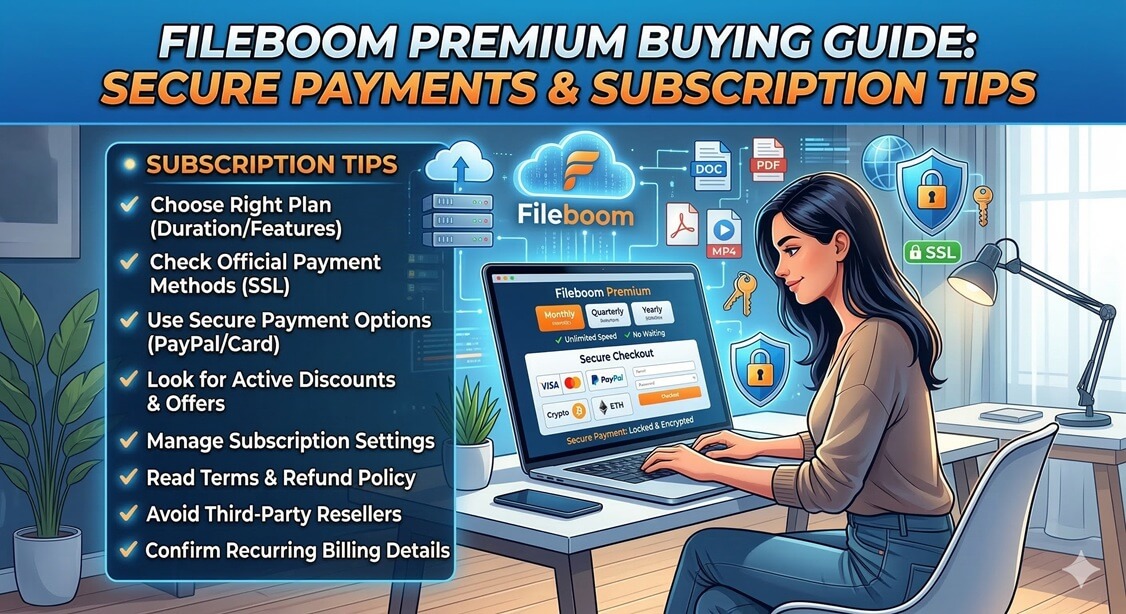
Fileboom Premium Buying Guide: Secure Payments and Subscription Tips
Are you looking to upgrade your Fileboom experience but feeling unsure about the payment process or which plan to choose? While Fileboom is a leading name in cloud storage, the variety of payment methods and subscription tiers can sometimes be overwhelming for new users.
In this guide, we’ll walk you through everything you need to know to secure your Fileboom Premium account safely and efficiently.
1. Choosing the Right Plan: Premium vs. Premium Max
Before you reach the checkout, it’s essential to understand what you’re paying for. Fileboom offers two primary tiers:
- Fileboom Premium: The standard upgrade that removes wait times, enables high-speed downloads, and allows for download resumption.
- Fileboom Premium Max: Designed for power users. This tier provides significantly higher daily traffic limits and access to premium-only servers.
Tip: If you only download occasionally, the 90-day Premium plan is often the best value. Heavy downloaders should choose Premium Max to avoid daily limits.
2. Secure Payment Methods
One of the biggest concerns for users is payment security. Fileboom supports several methods:
- Credit/Debit Cards (Visa/Mastercard): Convenient but ensure you are on the official site.
- Cryptocurrency (Bitcoin/Litecoin/Ethereum): The gold standard for privacy and decentralization.
- Alternative Methods: Local digital wallets are often available depending on your region.
3. The Role of Official Resellers
Sometimes, direct payments are declined due to international policies. This is where Official Resellers come in.
- Why use them? They support local payment methods (bank transfers, regional apps) not found on the main site.
- Security Check: Only use resellers listed on the official Fileboom “Resellers” page.
4. Avoiding Scams and Phishing
Stay safe by following these rules:
- Check the URL: Always verify the domain before entering details.
- Avoid “Free Premium Generators”: These are scams designed to steal data or spread malware.
- Enable 2FA: Add an extra layer of security once your account is upgraded.
5. Conclusion: Smooth Sailing with Premium
Upgrading to Fileboom Premium significantly improves your workflow by removing speed limits. By choosing the right plan and sticking to official channels, you can enjoy a seamless experience.
10